
- Free Plan: For individuals working on small projects and basic data analysis.
- Plus Plan: For professionals who need fast, data-informed decisions without a dedicated data team.
- Pro Plan: For companies that want to collaborate across departments and simplify data access.
- Business Plan: For teams looking to get started quickly and self-serve insights.
- Enterprise Plan: For large organizations that need advanced security, compliance support, and custom integrations.
Upgrading Your Subscription
Upgrading Your Subscription
- Navigate to the Subscription page
- Click Upgrade under the plan you wish to upgrade to
- Complete your purchase on the Stripe checkout screen
Canceling Your Subscription
Canceling Your Subscription
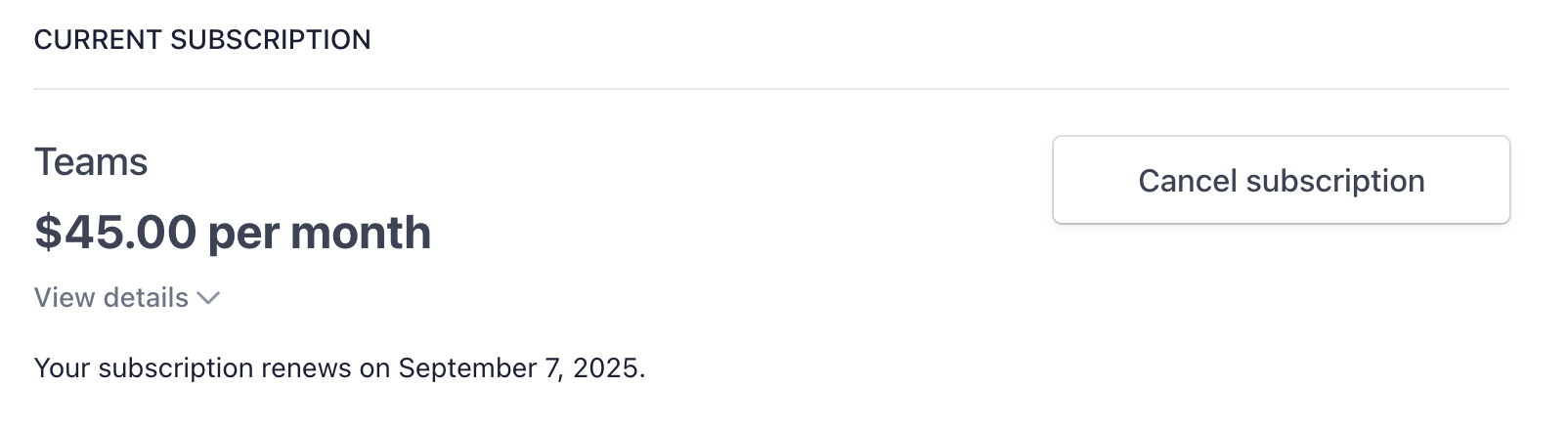
- Navigate to the Account and Billing page
- Click Invoices and Payment Methods on the top right
-
Click Cancel Subscription
Managing Payment Methods and Billing Information
Managing Payment Methods and Billing Information
- Navigate to the Subscription page
- Click Invoices & Payment Methods
-
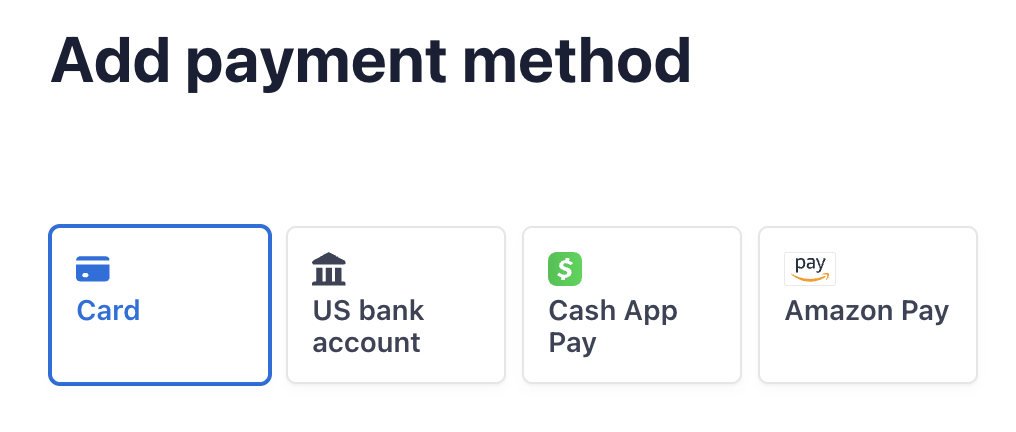
Click Add payment method to change your current payment method


-
Click Update information to update your billing information (eg. name, address, company, VAT info)

Managing Subscription Renewals
Managing Subscription Renewals
Your subscription will auto-renewal monthly or annually, depending on the type of subscription you’ve purchased.Cancelling the subscription yourself will keep the subscription active till the end of your billing period.
Reach out to team@julius.ai for support or to ask questions not answered in our documentation.